
I spent most of my twenties chasing the “ultimate” productivity setup, convinced that if I just found the right app or a complex color-coding system, my life would suddenly fall into place. I fell for the hype of expensive digital ecosystems and intricate frameworks that promised to turn me into a machine, only to realize I was spending more time organizing my thoughts than actually using them. Most of the popular note taking methods you see advertised online are just glorified ways to procrastinate, adding layers of digital friction that end up draining your mental energy instead of saving it.
I’m not here to sell you on a complicated workflow or a subscription to some high-tech software. Instead, I want to share the few, low-friction systems that actually work for me—the ones that help me clear my head and get back to my real work. We aren’t going to aim for a perfect, aesthetic archive; we are just going to build a reliable foundation that captures what matters without the headache. Here is how you can find a method that actually sticks.
Table of Contents
The Cornell Note Taking System for Mental Clarity
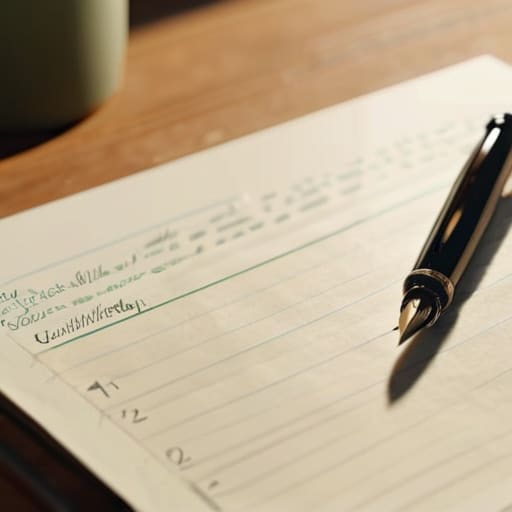
If you’re someone who tends to end a meeting or a lecture with a page full of chaotic scribbles that make zero sense an hour later, the Cornell note taking system is going to be a game changer for you. I first stumbled upon this while I was trying to manage my own professional development courses, and it completely changed how I process information. Instead of just transcribing words like a stenographer, you divide your page into three distinct zones: a narrow column for cues/questions, a wider area for your actual notes, and a summary box at the bottom.
The real magic here isn’t just in the layout; it’s in how it forces you to engage in active listening and note taking. Because you have to go back and synthesize those notes into a summary and create specific “cue” questions, you aren’t just passively recording data—you’re actually teaching it to yourself. It’s a way to move from mindless documentation to true comprehension. Whether you prefer the tactile feel of my fountain pen on paper or you’re debating digital vs analog note taking on a tablet, the structure remains the same. It’s about creating a repeatable system that turns a messy page into a functional tool for your future self.
Digital vs Analog Note Taking Choosing Your Foundation
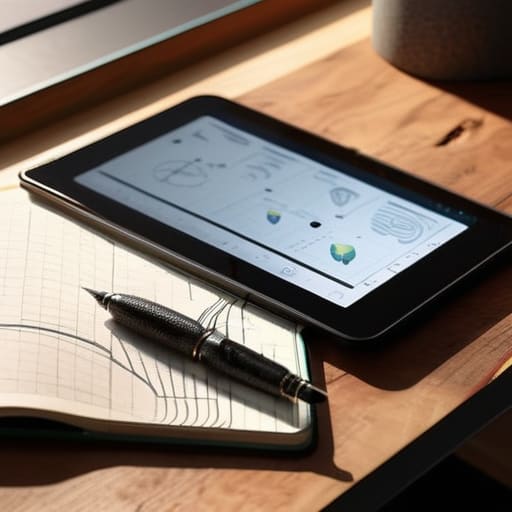
I often find myself caught in the tug-of-war between digital vs analog note taking, especially when I’m trying to decide whether to reach for my iPad or my trusty pocket notebook. There’s no objective “winner” here, but there is a right choice for the moment. Digital tools are unbeatable for speed, searchability, and syncing across devices—which is a lifesaver when you’re managing complex projects at work. If you need to archive hundreds of meeting minutes, a digital system is your best friend.
However, I’ve found that nothing quite replaces the tactile connection of a pen hitting paper when I need to actually process information. When I’m practicing active listening and note taking during a deep conversation or a complex lecture, the physical act of writing slows me down just enough to actually think. It prevents that mindless, robotic transcription we often fall into with a keyboard.
Ultimately, don’t feel like you have to pick a side and stay there forever. I treat them as different tools in a toolkit rather than competing philosophies. Use digital for the heavy lifting and long-term storage, but keep a physical notebook handy when you need to really focus and let your thoughts breathe.
Five ways to make your notes actually work for you
- Stop trying to transcribe everything. If you write down every single word someone says, you aren’t actually processing the information; you’re just acting as a human stenographer. Focus on the “why” and the “how” instead of the “what.”
- Build a “Capture Habit” that requires zero friction. Whether it’s the pocket notebook I always carry or a quick voice memo, the goal is to get the thought out of your brain and into a system immediately so you can stop looping on it.
- Schedule a weekly review. A note-taking system is useless if it’s just a digital graveyard of dead ideas. Spend fifteen minutes every Sunday looking through your notes from the week to highlight actionable tasks or key insights.
- Use a consistent shorthand. You don’t need to learn a complex system like Gregg shorthand, but having your own little code—like using an asterisk for “must do” or a question mark for “research later”—saves a massive amount of time during rapid-fire meetings.
- Keep your setup intentionally simple. It’s easy to fall down a rabbit hole of complex apps and endless plugins, but complexity is the enemy of consistency. Pick a tool that stays out of your way so you can focus on the ideas, not the interface.
Finding Your Rhythm

At the end of the day, there isn’t one single “correct” way to capture your ideas. Whether you find clarity through the structured columns of the Cornell method or prefer the tactile, distraction-free experience of a fountain pen on paper, the goal remains the same: reducing the cognitive load on your brain. We’ve looked at how different frameworks can serve different needs, but the most important takeaway is that the system only works if you actually use it. Don’t get caught in the trap of “productivity porn,” where you spend more time organizing your notes than actually doing the work. Just pick a method that feels low-friction and start capturing your thoughts today.
I know how it feels to have a brain that constantly feels like it has too many tabs open. It’s exhausting. But as I’ve learned through years of managing operations and refining my own daily habits, the solution isn’t to work harder; it’s to build better containers for your mental energy. Think of your note-taking system as a way to reclaim your mental bandwidth so you can focus on what truly matters—the people, the projects, and the passions that make life worth living. You don’t need a complex digital ecosystem or a dozen expensive planners. You just need a reliable way to clear the clutter.
Frequently Asked Questions
How do I know if a note-taking system is actually working or if I'm just spending too much time organizing instead of doing?
The litmus test is simple: Can you actually find what you need when you’re in the middle of a task? If you’re spending your Sunday nights color-coding folders instead of actually using those notes to make decisions or finish projects, you’ve fallen into the “productivity trap.” A good system should feel invisible. If it’s adding friction to your day rather than removing it, it’s time to strip it back to the basics.
Is it worth trying to sync my physical notebook with a digital app, or will that just add more complexity?
Honestly, if it feels like another chore on your to-do list, it’s not worth it. I used to try syncing everything, but I just ended up with twice the work and half the focus. My rule of thumb? Use your notebook for the “doing”—capturing raw thoughts and quick sketches—and use your app for the “searching”—storing things you actually need to reference later. Keep the bridge between them as thin as possible.
What's the best way to handle quick, "in-the-moment" ideas so they don't get lost before I can sit down to write them properly?
This is exactly why I never leave the house without my pocket notebook and a fountain pen. When a random spark of an idea hits while I’m commuting or mid-meeting, don’t try to be precious about it. Don’t wait for a laptop or a “perfect” app. Just scribble the core thought down—even if it’s messy—and move on. The goal isn’t a beautiful journal entry; it’s simply capturing the signal before the noise takes over.
How much detail should I actually be recording—am I overdoing it if I try to capture everything?
Look, I’ve been there. I used to treat my notebook like a court reporter, trying to catch every single word. It’s exhausting and, honestly, it defeats the purpose. If you’re writing everything down, you aren’t actually processing anything—you’re just transcribing. Aim for the “why” and the “how,” not just the “what.” Focus on key concepts and action items. If a note doesn’t help you make a decision or take an action later, leave it out.