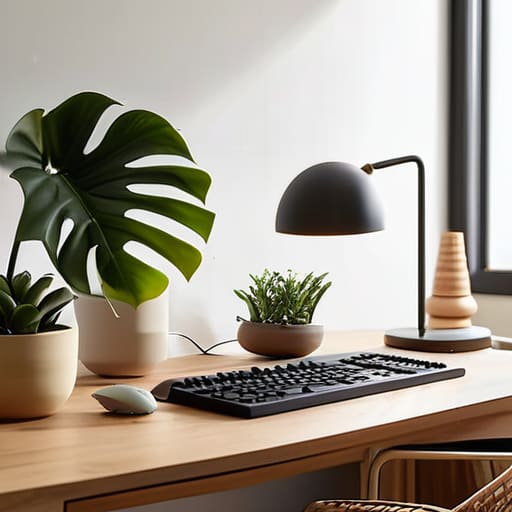

I remember sitting at my kitchen table three years ago, surrounded by half-finished coffee mugs and a tangled web of charging cables, trying to draft a quarterly report. My back ached, my focus was nonexistent, and I felt completely overwhelmed by the sheer chaos of my surroundings. I spent hours scrolling through endless lists of expensive, aesthetic home office setup ideas that promised a “lifestyle transformation” if I only bought the right $800 ergonomic chair or a designer desk lamp. It felt like a trap—as if I couldn’t be productive unless my workspace looked like a spread in a high-end architecture magazine.
But here’s the truth: you don’t need a massive budget or a minimalist showroom to get your work done. I’ve learned that a functional workspace is about systems, not stuff. In this guide, I’m going to share the practical, low-friction methods I use to keep my mind clear and my desk organized. We aren’t going to chase a Pinterest-perfect fantasy; instead, we are going to focus on small, repeatable adjustments that actually reduce your decision fatigue and help you reclaim your focus.
Table of Contents
Small Space Office Solutions for Mental Clarity
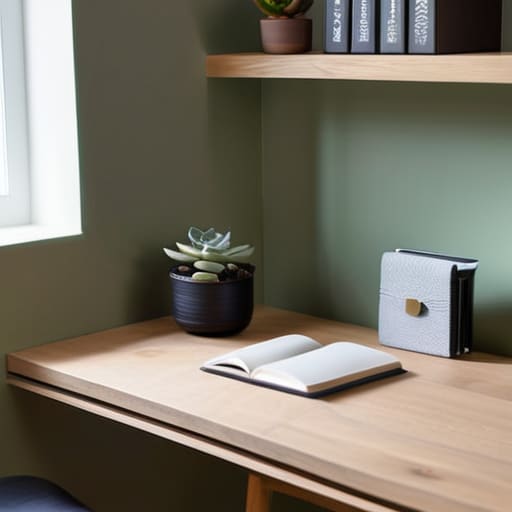
If you’re working out of a corner of your bedroom or a tiny nook in the living room, the biggest threat to your focus isn’t the lack of square footage—it’s the visual noise. When your workspace is physically encroaching on your living space, your brain never quite feels like it has “left” the office. To combat this, I’ve found that small space office solutions need to be vertical rather than horizontal. I’m a big believer in using floating shelves or wall-mounted organizers to get your notebooks, pens, and tech off the desk surface. Keeping the desk clear isn’t just about aesthetics; it’s about reducing the mental friction that occurs every time you look down at a pile of clutter.
Since you can’t expand your walls, you have to optimize what you have. I often tell people to prioritize one high-quality piece of gear rather than a dozen cheap gadgets. Even in a cramped setup, investing in a decent chair is non-negotiable; understanding the ergonomic desk chair benefits can be the difference between finishing a workday feeling energized or feeling like your back is in knots. If you can’t fit a large desk, even a slim, sturdy console table can work, provided you implement some minimalist desk organization to keep your essential tools within arm’s reach. It’s about creating a dedicated zone that signals to your brain: “We are working now.”
Productive Home Workspace Design Without the Chaos

Once you’ve figured out how to fit a desk into a corner or a nook, the next hurdle is managing the visual and mental noise. I used to think a “productive home workspace design” meant having every gadget imaginable within arm’s reach, but I quickly learned that more gear usually just leads to more clutter. Instead, I focus on minimalist desk organization. I keep only what I use daily—my laptop, my notebook, and my fountain pen—on the surface. Everything else gets tucked away in a drawer or a simple organizer. When your physical environment is stripped of unnecessary distractions, your brain stops scanning for “stuff” and starts focusing on the task at hand.
It’s also worth looking at the things that support your body throughout a long afternoon. You don’t need a high-tech command center, but investing in a quality chair is one of those non-negotiable moves. Understanding the ergonomic desk chair benefits—like proper lumbar support and adjustable armrests—has been a game-changer for my focus. When you aren’t constantly shifting in your seat to find a comfortable position, you save a massive amount of mental energy. It’s not about luxury; it’s about removing the friction that keeps you from doing your best work.
Five Small Shifts to Keep Your Focus Sharp
- Manage your cables like you manage your budget—don’t let them run wild. I used to have a “nest” of wires under my desk that felt like visual noise every time I sat down. A simple pack of velcro ties or a cheap cable tray makes a world of difference for your mental calm.
- Prioritize your lighting, but skip the harsh overheads. If you can, position your desk near a window for natural light, but keep a warm, dedicated desk lamp nearby for those late-afternoon slumps. It helps signal to your brain that it’s time to work, not just “exist” in a room.
- Keep your “active” tools within arm’s reach and everything else out of sight. I’ve learned that if I have a stack of mail or random gadgets on my desk, my brain treats them as unfinished tasks. Only keep what you are using right now on the surface.
- Invest in one piece of “tactile” quality. Since I started restoring furniture, I’ve become obsessed with textures. Whether it’s a high-quality felt desk mat or a solid wood monitor stand, having one thing that feels intentional and well-made makes the workspace feel less like a temporary setup and more like a professional station.
- Create a “shutdown” ritual for your desk. At the end of the day, clear your coffee mug, jot down your top three tasks for tomorrow in my notebook, and physically push your chair in. It’s a small, repeatable system that tells your brain the workday is officially over.
Building Your Foundation
At the end of the day, setting up a home office isn’t about buying the most expensive standing desk or curating a workspace that looks like a showroom. It’s about the small, intentional choices we discussed—finding ways to manage a tight footprint, reducing visual noise, and creating a space that actually supports your workflow instead of fighting against it. Whether you’re optimizing a corner of your bedroom or redesigning a dedicated room, the goal is to create a predictable environment. When your physical space is organized, your brain doesn’t have to work as hard to find its rhythm, which is the ultimate win for reducing decision fatigue.
I know how easy it is to get overwhelmed by the endless “perfect” setups you see online, but please remember that your office is a living system, not a museum piece. It will change as your career evolves and your needs shift, and that is perfectly okay. Don’t feel like you have to get everything right this weekend. Just pick one small adjustment—maybe clearing your desktop or adding a better light source—and start there. We aren’t chasing a flawless aesthetic; we are simply building better foundations for the work that matters. Take it one step at a time.
Frequently Asked Questions
How do I stop my desk from becoming a graveyard for random clutter and old coffee mugs?
The trick isn’t a massive deep clean; it’s about managing the “drift.” I started using a “one-in, one-out” rule for my desk. If a new notebook comes out, an old one goes in the drawer. More importantly, I treat my desk like a landing strip, not a storage unit. At the end of every workday, I spend exactly two minutes clearing the mugs and scraps. It’s a tiny ritual that keeps the chaos at bay.
Is it actually worth investing in expensive ergonomic gear, or can I get by with what I already have?
Look, I get the temptation to drop a grand on a high-end chair, but don’t let the gear hunt become its own form of procrastination. If your current setup is causing actual physical pain, then yes, invest in a solid ergonomic chair—it’s a long-term health play. But if you’re just chasing status, save your money. Start smaller: a laptop riser or even a stack of books to eye-level can do wonders for your posture.
How do I create a mental boundary between "work mode" and "home mode" if my office is in my living room?
When your desk is staring at you from across the living room, the lines get blurry fast. I’ve found that physical boundaries are great, but ritual boundaries are better. Try a “shutdown ritual.” When you’re done, close your laptop, tuck your notebook away, and maybe even cover your monitor with a simple cloth. It signals to your brain that the workday is officially over. It’s not about perfection; it’s about creating a mental off-switch.
What are some low-cost ways to improve my lighting so I'm not staring at a screen in a dark room all day?
First, stop working in the dark. It’s a recipe for eye strain and a heavy mood. If you can’t move your desk near a window, don’t sweat buying expensive designer lamps. Just grab a cheap warm-toned LED desk lamp to layer light across your workspace. I also swear by a simple backlight behind my monitor; it softens the harsh contrast and makes the whole setup feel much more grounded.