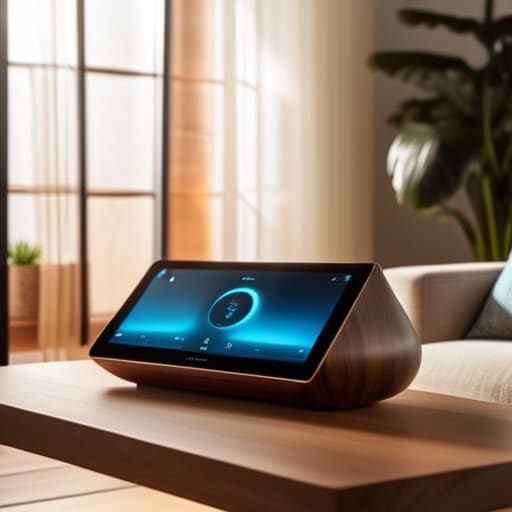

I remember sitting on my floor last Tuesday, surrounded by three different instruction manuals and a tangled mess of white cables, feeling more defeated than when I first tried to strip a vintage teak sideboard. I had fallen into the trap of thinking a smart home meant turning my living room into a high-tech command center, but all I really ended up with was a collection of expensive gadgets that refused to talk to each other. If you’ve been looking into a smart home for beginners only to feel like you need a degree in computer engineering just to dim the lights, I want you to know that you aren’t doing it wrong. The industry makes it far too complicated, selling us the dream of a futuristic utopia when most of us just want to stop fumbling for light switches in the dark.
In this guide, I’m stripping away the marketing fluff and the unnecessary complexity. I’m going to show you how to build a functional, minimalist setup that actually serves your daily routine instead of adding more chores to your plate. We aren’t going to chase every shiny new gadget on the market; instead, we are going to focus on small, repeatable systems that reclaim your time and mental space.
Table of Contents
Choosing the Best Smart Devices for Beginners
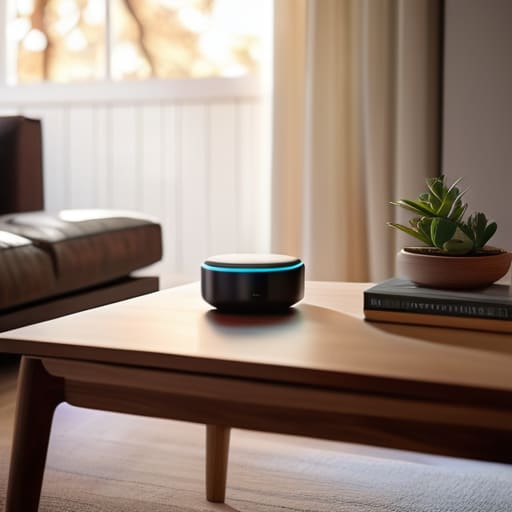
The biggest mistake I see people make is trying to buy everything at once. You walk into a store, see a dozen different gadgets, and suddenly you’re halfway to a tech-induced headache. Instead, I recommend starting with a smart home ecosystem comparison before you spend a single dime. You really want to decide whether you’re leaning toward Amazon, Google, or Apple first. This isn’t just about brand loyalty; it’s about voice assistant compatibility. If your light bulbs talk to one system and your thermostat talks to another, you haven’t built a smart home—you’ve just built a collection of expensive, disconnected remote controls.
Once you’ve picked your “brain,” focus on the best smart devices for beginners that offer immediate, tangible value. For me, that meant starting with a smart plug and a single smart bulb. It’s a low-stakes way to test your iot device connectivity basics without breaking the bank or cluttering your living room with wires. From there, you can slowly layer in things like smart locks or cameras once you feel confident in your setup. The goal isn’t to have a house that feels like a spaceship; it’s to have a home that quietly works for you.
Mastering Iot Device Connectivity Basics
Once you’ve picked out your initial gear, the next hurdle is making sure everything actually talks to each other. This is where most people hit a wall, thinking they need a degree in network engineering. In reality, mastering iot device connectivity basics comes down to understanding how your devices “handshake” with your router. You don’t need a massive overhaul; you just need to ensure your Wi-Fi can handle the extra traffic. If you’re planning on adding more than a handful of gadgets, I usually suggest looking into a dedicated bridge or a central controller to offload the heavy lifting from your main internet connection.
This brings us to the concept of a central brain. When you’re setting up a smart home hub, you’re essentially creating a single point of command that prevents your apps from becoming a cluttered mess on your phone. I’m a big fan of checking for voice assistant compatibility before you hit the “buy” button on anything. Whether you lean toward Alexa, Google, or Apple, staying within one ecosystem early on prevents that frustrating feeling of having five different apps just to turn off the kitchen lights. Keep it cohesive, and the tech will start feeling like a tool rather than a chore.
Five Small Wins to Keep Your Smart Home from Becoming a Headache
- Stick to one ecosystem first. Whether you’re an Apple, Google, or Amazon person, pick one “brain” and stay there for a while. If you buy a lightbulb that doesn’t talk to your existing hub, you haven’t built a smart home—you’ve just bought a complicated remote control.
- Prioritize “invisible” automations. The best smart devices aren’t the ones you control with your phone; they’re the ones that work without you thinking about them. A motion sensor that turns on a dim hallway light at 2 AM is a lifesaver; a smart gadget that requires you to open an app every single time is just more digital clutter.
- Don’t overlook your Wi-Fi strength. I learned this the hard way while trying to set up my first smart plug. If your signal is weak in the kitchen or the bedroom, your “smart” devices will just become “unresponsive” devices. Check your coverage before you start buying hardware.
- Start with the “low-hanging fruit” of daily friction. Don’t try to automate your whole house in a weekend. Start with one thing that actually annoys you—like turning off the porch light or adjusting the thermostat—and build from there. Small wins build momentum without the burnout.
- Always keep a manual fallback. I love my smart locks and lights, but I never want to be locked out of my own house because the internet went down or a server crashed. Make sure every “smart” upgrade you install still has a physical, old-school way to function when technology decides to act up.
Building Your Foundation, One Step at a Time
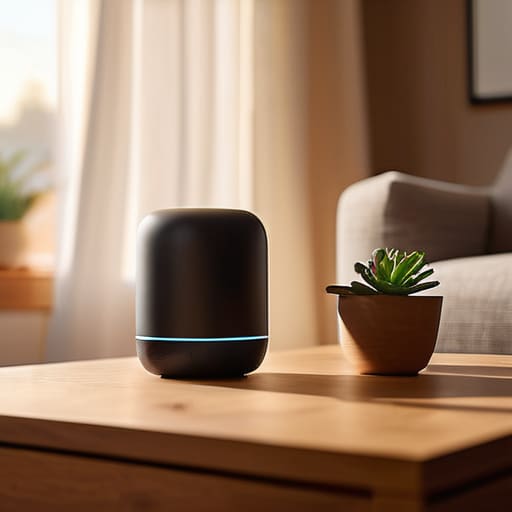
At the end of the day, setting up a smart home isn’t about having the most expensive gadgets or a house that feels like a spaceship. It’s about making sure the tech you choose actually serves you, rather than adding another layer of digital clutter to your life. We’ve looked at how to pick the right devices, how to ensure they actually talk to each other through solid connectivity, and how to avoid the trap of over-complicating things. Remember, the goal is to create a seamless environment that works quietly in the background. If a device doesn’t solve a problem or save you even five minutes of mental energy, it probably doesn’t belong in your ecosystem. Focus on small, intentional wins that make your daily routines feel a little lighter.
I know it can feel overwhelming to start, especially when every tech blog seems to be pushing the next big, complex automation. But I want you to take a breath and remember that you don’t have to do it all this weekend. Start with one light, one plug, or one thermostat. Build your system slowly, testing each piece as you go. We aren’t chasing a perfect, automated utopia; we are just trying to reclaim a little more headspace for the things that actually matter. Once you have those basic foundations in place, you’ll find that the technology starts to fade into the background, leaving you with more room to simply live.
Frequently Asked Questions
Is it actually worth the upfront cost, or am I just paying for a gimmick that will be obsolete in two years?
I get it. I used to look at these gadgets and see nothing but expensive paperweights waiting to happen. But here’s the reality: if you buy a random, off-brand smart plug just because it was on sale, you’re probably buying a gimmick. However, if you invest in a solid ecosystem—think lights, thermostats, or locks that actually talk to each other—you aren’t just buying tech; you’re buying back time. It’s about utility, not novelty.
How do I make sure all these different devices actually talk to each other without me having to jump between ten different apps?
This is where most people hit a wall, and honestly, it’s where the “smart” home starts feeling more like a chore. The secret isn’t buying more gadgets; it’s choosing a central hub or a single ecosystem—like Apple Home, Google Home, or Alexa—to act as the translator. Instead of opening ten apps, you use one interface to command them all. Focus on devices that support “Matter” or “Thread” to ensure they play nice together from the start.
Will adding all this tech to my home create new security risks or privacy headaches I haven't thought of?
It’s a valid concern, and honestly, it’s one I wrestled with when I first started. You aren’t just adding convenience; you’re adding more entry points to your digital life. The key isn’t to avoid the tech, but to build a perimeter. Start by putting your smart devices on a separate guest network and ditching those default passwords immediately. It’s about creating a little friction for intruders without making your own life a headache.
Do I really need a dedicated hub, or can I just start with a few plugs and bulbs and see how it goes?
Honestly? You don’t need a hub right away. If you’re just looking to automate a couple of lamps or a coffee maker, starting with a few Wi-Fi-enabled plugs and bulbs is a perfectly fine way to test the waters. It keeps your initial investment low and the setup simple. Just keep in mind that as you add more devices, you might eventually hit a wall where a hub helps manage the clutter. For now, though, just dive in.